

GIFs have become a new way of communication while chatting. It is more expressive than typing a bunch of empty words. Using GIFS means we will also need new ones from time to time. And where else to get it but on Pixiv? But how to save GIFs from Pixiv?

There are a lot of amazing software and browser extensions for downloading gifs from pixiv. You can use the browser extensions like Powerful Pixiv Downloader, Downloader for Pixiv, and Pixiv toolkit. If you don’t wish to use these browser extensions, there is some software too that can help you with your task of downloading the gif from pixiv, such as Inovideo and Ugoira.
This article will present a few of the easiest and most accessible extensions and software to help you save gifs from pixiv.
5 Easy Ways To Save Gifs From Pixiv
Though sometimes it seems like a tough task to perform, it’s not that intimidating. You require the right tools if you want to save pixiv gifs.
Download Via An Extension
Pixiv has some amazing collections of gifs. But too bad if you don’t know how to save gifs from pixiv to use them to make your conversation more fun and exciting. This tool can download Pixiv GIFs in batches from an artist’s page. Through this method, you will come to know how to save gifs on a computer. If you wish to continue with the pixiv gif download on a computer, you will require a plug-in “Powerful Pixiv Downloader .”Both the Chrome and Microsoft Edge browsers support this extension.
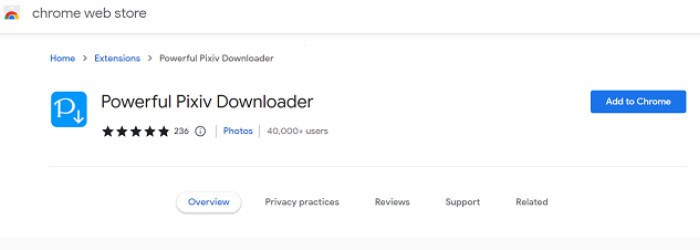
You would be wondering how to save pixiv animations. That’s fairly simple. You are only required to press the download button available on the right side of the screen. However, it’s more work for new users to use features like batch downloads. Once you master it, though, it won’t seem like a lot of work.
However, all things have their pros and cons, and so does this plug-in for downloading pixiv gifs. However, it’s free to use and has a simpler way of downloading single gifs from pixiv. The batch download is much harder, and also, the default format you get after downloading from it is WebM and needs to be switched to GIF from the “other” tab. Want to download PS3 Games? Read this.
See Also: 9 Best Instagram Caption Generator Apps For Android And IOS
Using Inovideo
You are looking for the best pixiv gifs downloader. Well, look no further. Inovideo is one of the best downloaders for pixiv videos, accessible to both Windows and Mac users. Using this software, you can download videos from pixiv in high resolution, and the plus point is that the default format for videos is saved in MP4. It has all the features to be called the best downloader, such as you can download videos not only from pixiv but other platforms too, the interface is user-friendly, easy to download batches of gifs, enables you to download online videos in resolutions like 8K, 4K, 1080p, 720p, etc. and even convert audio in its original quality to MP3 (up to 320kbps). Let’s see how to save gifs from pixiv using Inovideo.
- Once the software has been installed according to your OS(windows or mac), run it.
- Choose the gif you wish to download, and copy its link
- Paste the link into the entry box when you return to Inovideo. select “Analyze.”
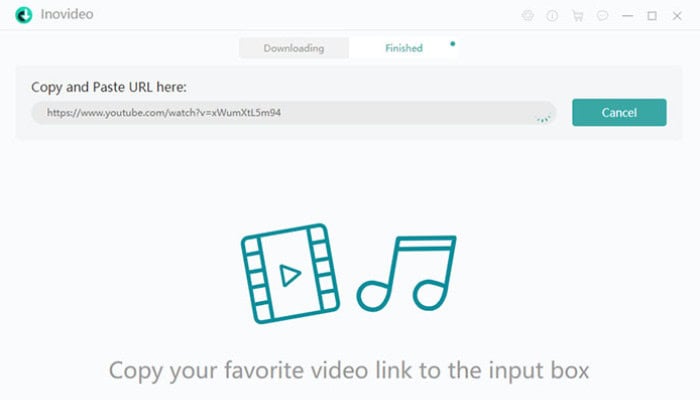
- It will provide you with various quality formats for downloading the video, choose the preferred quality and hit the download button. The downloaded video will appear in the Finish tab. How To Download All Photos From Facebook? Read this article to learn.
Downloading Gifs On Mobile Phone
Several extensions help you save gifs from pixiv on the phone. One such extension is “Downloader for Pixiv,” for android users to download gifs from pixiv. It is available on the play store and doesn’t require additional extensions to start working. , Access the Google Play Store to download it. And start using it. It is free and has a simple UI.
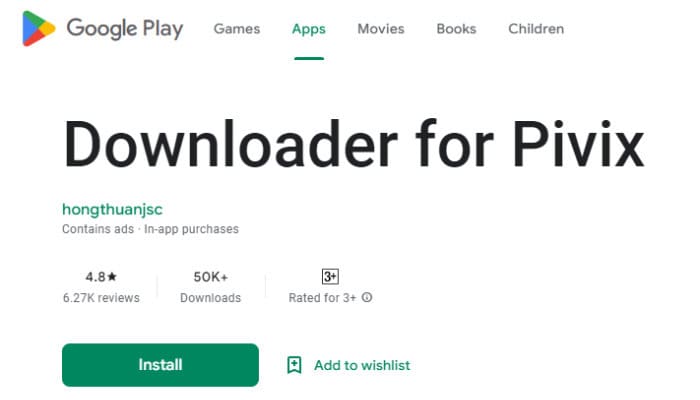
It also supports downloading and converting Ugoria from Pixiv as a GIF and enables the packing of Manga or novel illustrations into EPUB or TXT formats. But the downside is that it has too many ads, which you can remove only after paying for it, and sometimes it cannot download, which can be annoying. Perhaps most importantly, you can only use it if Pixiv runs in the background.
See Also: Download Embedded Video On Chrome With Easy Steps
Utilizing Pixiv Toolkit
It is another extension for those who don’t use the Edge browser. Users of Chrome and Firefox can access it. It can also help you convert ugoira to a zip file or APNG to WebM. Not only is the pixiv toolkit limited to downloading gifs, but you can also install different novels, illustrations, and mangas. The download is free, and using it is not too difficult. Coming to the downside, it can crash quite frequently and won’t fix even when you try to reopen the browser. Moreover, it also compresses the image quality. Here is how you can save gifs from pixiv with the help of the Pixiv toolkit.
- In your browser, search for the Pixiv toolkit and add the extension to your browser by installing it.
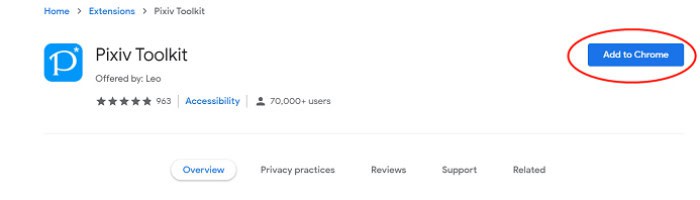
- Open the pixiv website in your browser, and choose the gif you need to download. A blue button will appear at the bottom of the page. Click it.
- Select Generate GIF. Finally, please choose the format you want to download it in, and it’s done.
Ugoira
You do not want to download extensions. Then, how to save gifs from pixiv without using extensions. No issues, you can try Ugoira. Ugoira is an online Pixiv downloader, a simple tool. Developed by Data Processing Club, it is a straightforward web tool. It can assist you with saving the Pixiv animations to a GIFs file or WebM. The GIF file will be bigger if you download it as an animation.
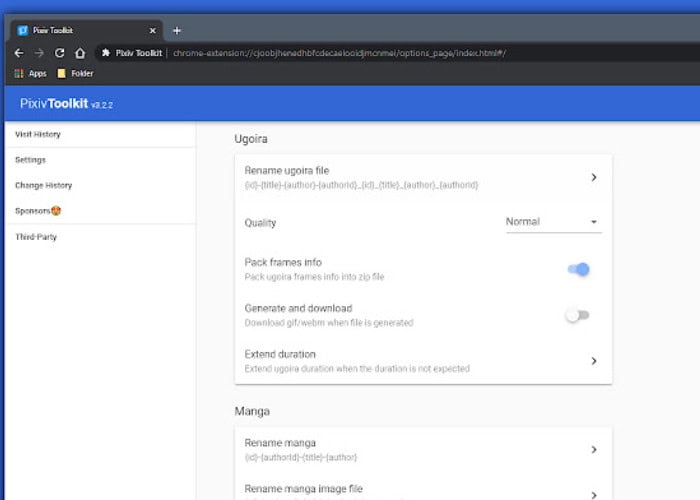
But saving it as WebM will take less file size than a simple GIF. However, you can face some trouble while downloading, like the pixiv link can’t parse or you can’t choose the quality of the video to be downloaded. Nonetheless, it is free to use and is available o both mobile phones and pcs.
See Also: Is Your Steam Download Stopping? Follow These Tips To Fix It
FAQs
Can I download gifs and videos from pixiv?
Downloading gifs from pixiv may be impossible. Nevertheless, you can use extensions or third-party software for the same.
How to copy gifs from pixiv?
Copying gifs from a site is a bit difficult. We can easily cut and paste gifs on mobile devices, but on laptops and computers, the process is a little more difficult. While there are numerous websites and apps where you may download GIFs, using a laptop requires installing an extension to do so.
How do you download gifs from pixiv on mobile?
To do so, you can either use Ugoira. It is an app that you can download from the Google Play store. Or you can use an extension named Downloader for Pixiv, which is available for both computers and mobile phones.
Can a non-japanese use Pixiv?
Absolutely yes. Although Pixiv is an art community made in japan, its users are not limited to Japan only. There are various pixiv users worldwide, and other common languages on Pixiv are Korean, Chinese, English, Indonesian, and Russian.
Conclusion
Pixiv is an amazing online community for artists. The works are exceptional. So, wanting to know how to save gifs from pixiv is quite understandable. There are multiple ways to do so. Try the abovementioned methods and amaze your friends with your extraordinary stash of GIFs.

Meet Carrie-Ann Skinner, our Apps & Games Editor with over 2 decades of experience in online and print journalism, specializing in all things tech.