

We use the degree symbol for various purposes: coordination systems in geography and degrees in temperatures or hours in medicine. But we don’t how to type degree symbol on Chromebook. Let’s find out!
To learn how to do degree symbol on Chromebook, open and click where you want the symbol. Press Control+Shift+U. Type “00B0”. Press Enter or the space bar. And voila! Your text is converted into a degree symbol.
This article dramatically assists those in the mathematics, geography, meteorology, and medical fields who type their essential data on Chromebooks. You get to learn and use Chromebooks more effectively and efficiently.
See Also: How To Drag And Drop On Chromebook? Easy Guide
How do I type the Degree Symbol on Chromebook?
In four methods, you can learn how to make a degree symbol on Chromebook. Read the methods below and choose the one you feel comfortable and convenient to type. Need a gaming break on your Chromebook? Discover how to effortlessly connect an Xbox controller to a Chromebook and have an excellent gaming experience!
Method 1: Using Keyboard Shortcut
- Open the program or website and click on where you want to fit the degree symbol.
- Press Control+Shift+ U. Since it is a Chromebook, type the code 00B0.
- Select the Enter key (or the space bar).
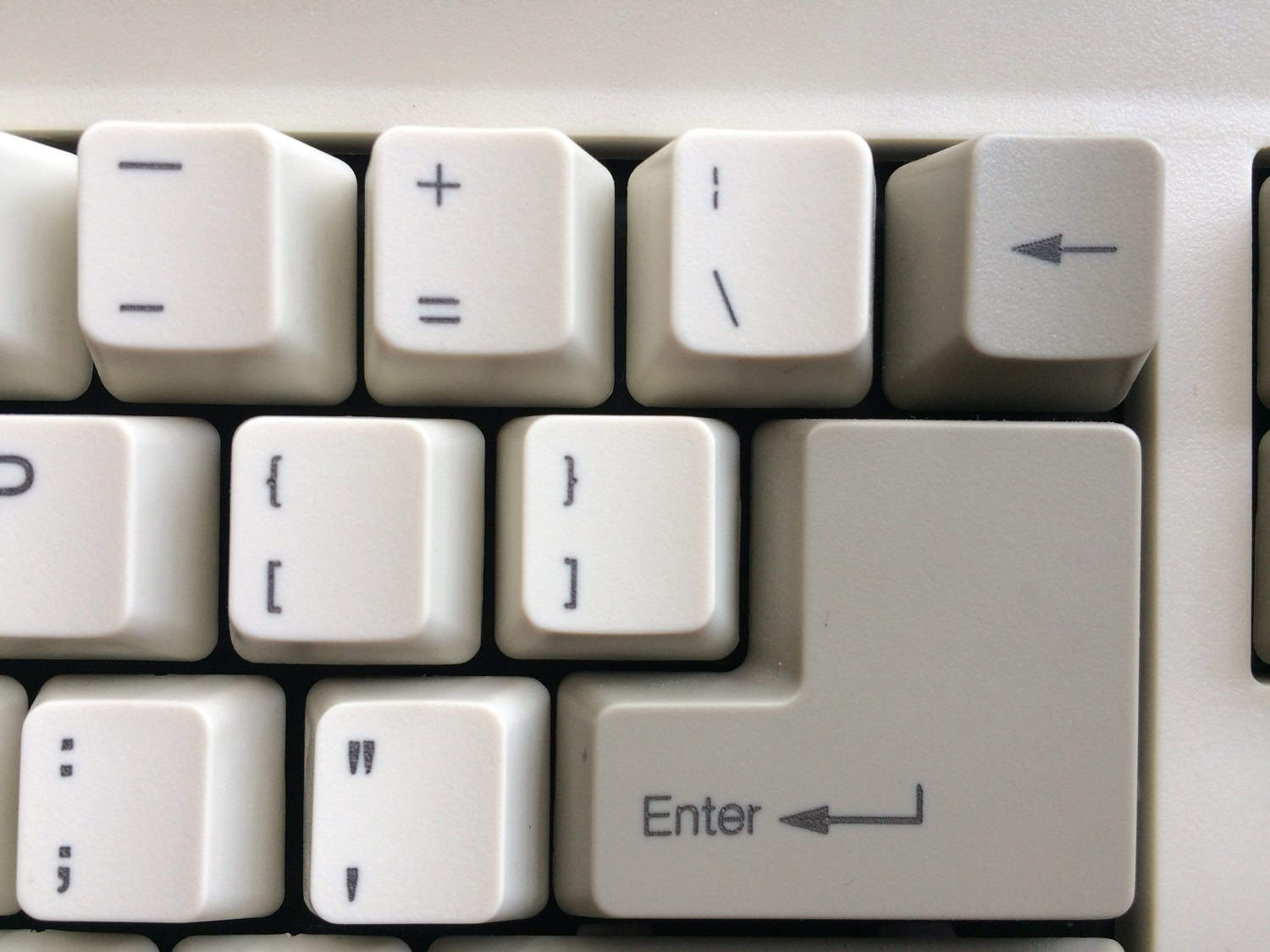
This is how to type degree symbol on Chromebook using a keyboard shortcut. Want to know a nifty trick to light up your Chromebook keyboard while typing shortcut commands? Learn how to light your Chromebook keyboard up and have fun ordering with fantastic visual effects from your keys!
Method 2: Use the ASCII Code
- Enter the program or website and click on where you want to put the degree symbol.
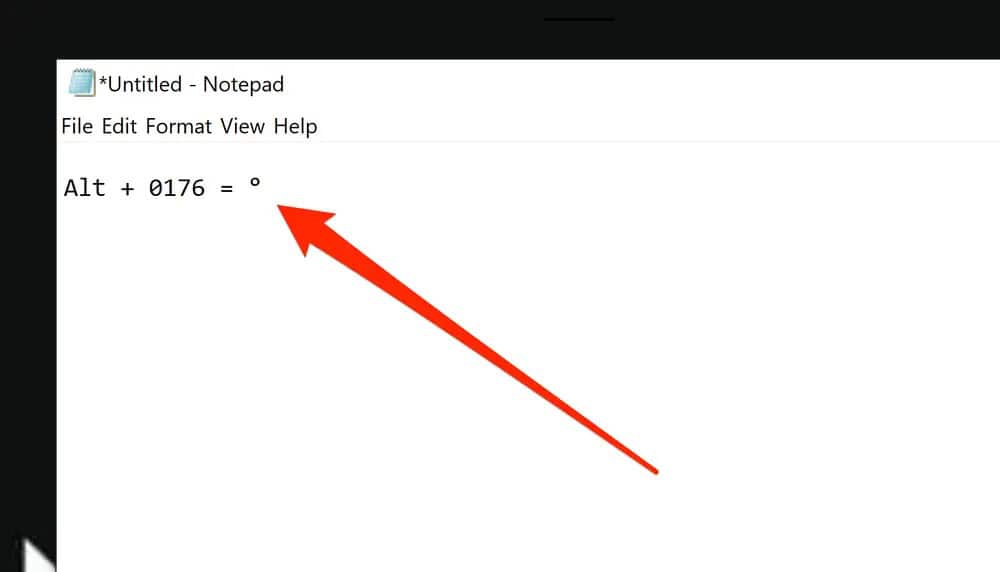
- Press Alt+248. This is the code for the degree symbol.
This is how one learns how to type degree symbol on Chromebook using the ASCII code. Share screens to show your meteorological data on the laptop. Explore how to share screens on Chromebook and exchange your information with peers!
See Also: Surface Pro Vs Chromebook | Which Is Better?
Method 3: Using Character Map App
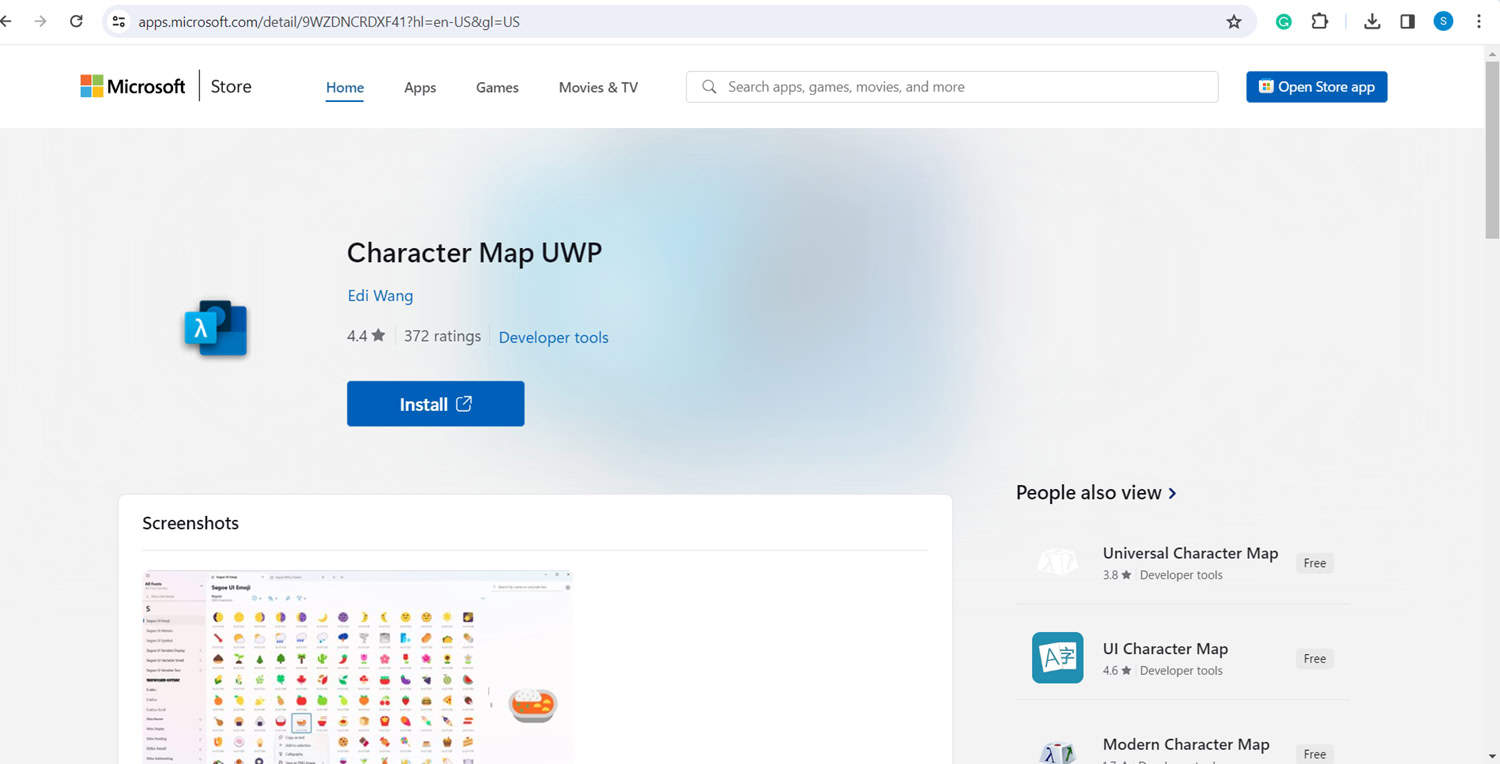
- Type the Character Map App on your Chromebook search bar. Then, select the box adjacent to “Advanced View” below the app’s window.
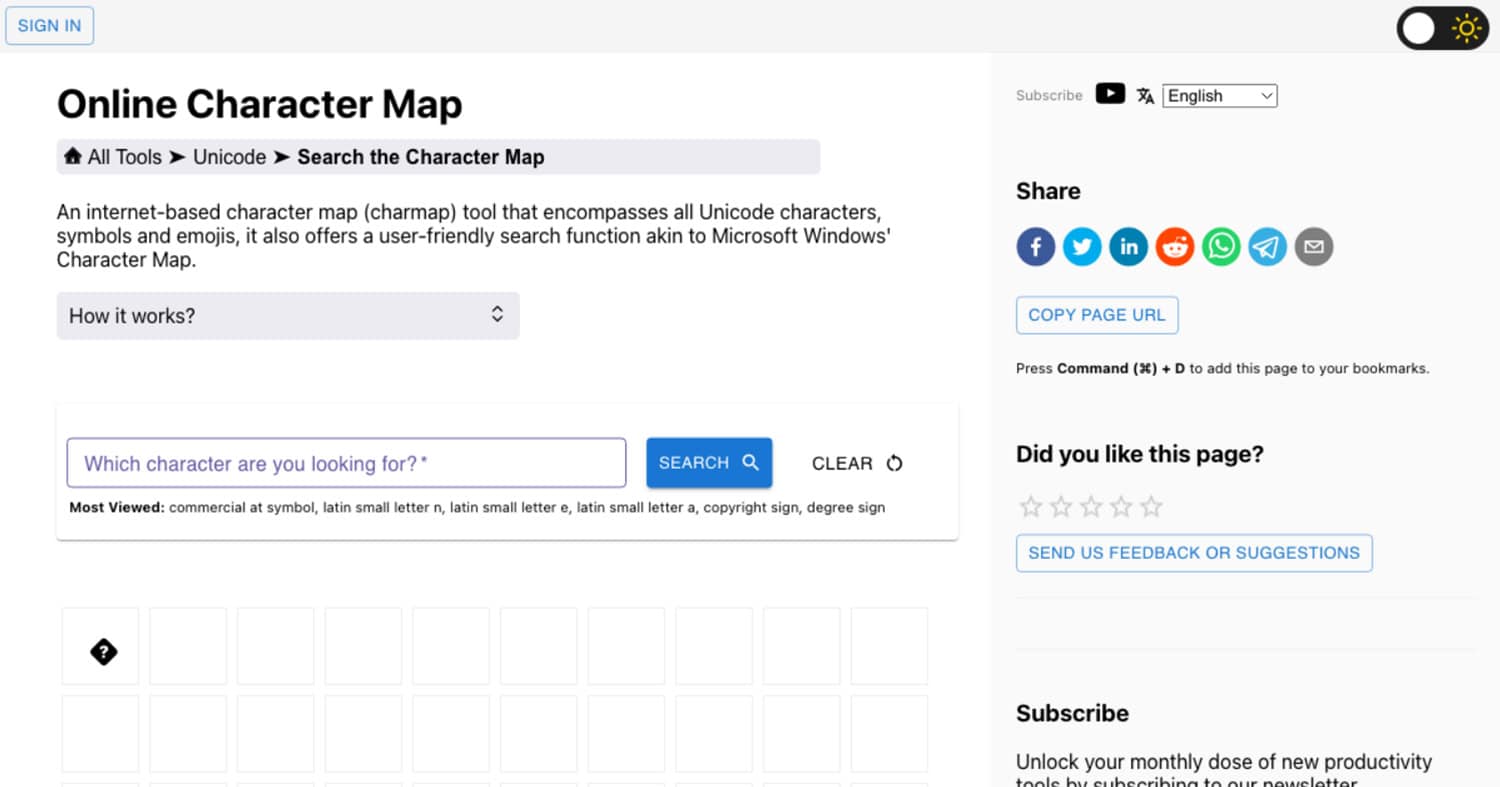
- Type ‘degree symbol’ on the search box and click “Search.”” This will help the app to clear all unnecessary characters and show you the one you need. Or you can scroll down to the sixth row.
- Double-click on it. Below the character box, look for the “Copy” button and select it.
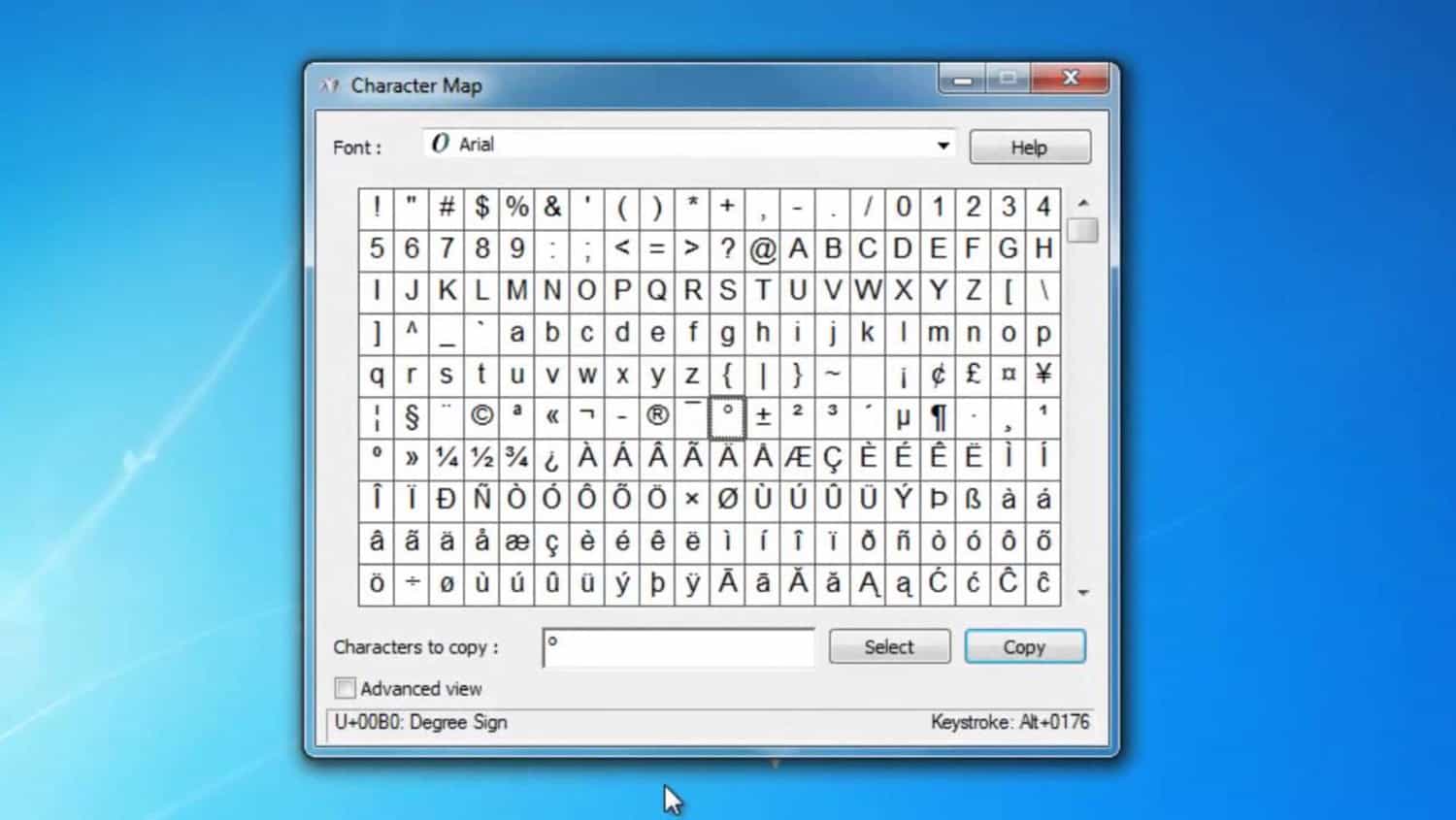
- Open the file or program where you want to put the symbol.
- Press the shortcut Ctrl+V or right-click and select paste.
This is how to do the degree symbol on Chromebook using the Character Map App. And to use apps like Character Map on your Chromebook faster, equip yourself to make your Chromebook faster for a smooth and quick experience on your laptop.
Method 4: Use the Google Keyboard
- Open the Google Keyboard. Then, select the “?123” key at the bottom.
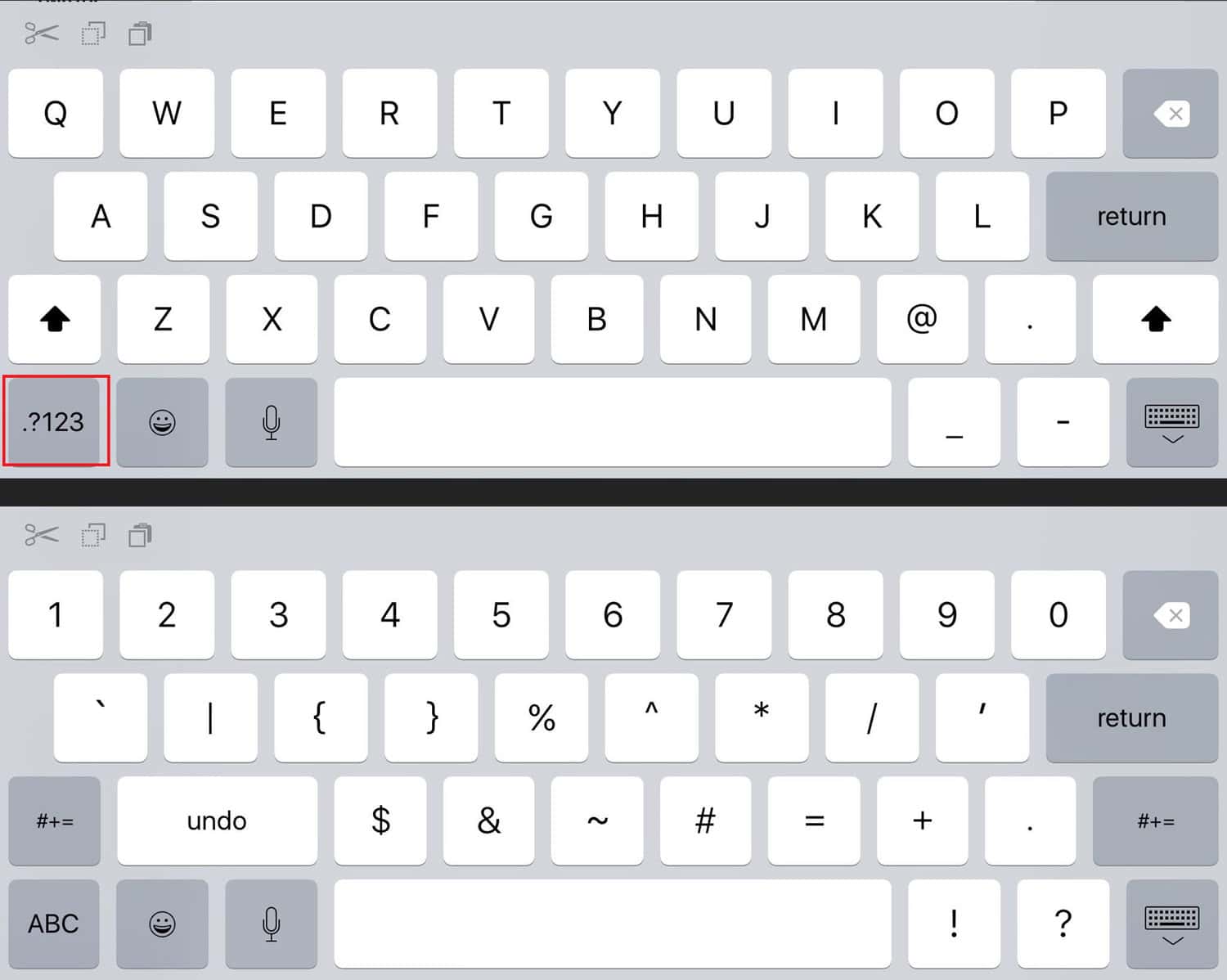
- Now click on the “=\<” on the keyboard.
- It will take you to various characters, including the degree sign.
This is the last method on how to type degree symbol on Chromebook, but using the Google keyboard. You’d also like to change the font of the document you’re typing on Chromebook by studying how to change the font on Chromebook. Change your text to the requirements of your work!
See Also: How To Test Microphone On Chromebook? Easy Step-By-Step Guide
FAQ’s
How do you type in a degree symbol?
Open your keyboard. Click on '?123'. Select '=/<' on the keyboard. It will take you to various characters, including the degree sign.
How do you type symbols on a Chromebook?
Open the area you want to place your unique character. Press Control+Shift+ U. Type the choosing symbol's code. Select the Enter key (or the space bar).
How do you insert a degree symbol in Google?
Select Insert. Click on Special characters. Draw or type the degree symbol on the drawing box or the search bar.
Why isn't there a degree symbol on the keyboard?
The degree symbol is only used by people in the science field. Hence, it is less frequently used, and due to the less space available in the keyboard, it is exempted from the keyboard.
Conclusion
This article summarises the varying methods by which one can type the degree symbol on their Chromebook. This would equip them with the knowledge of how to organize the symbol differently, and they can use a different method if one doesn’t work for them.
So try out one of the methods from what you learned on how to type degree symbol on Chromebook. It helps with your endeavors with the concepts you wish to convey in your field of study!
See Also: 6 Best Email Client For Chromebook Tools Of 2024

Meet Nick Pino, our Senior Editor of Home Entertainment at TechiePlus, covering TVs, headphones, speakers, video games, VR, and streaming devices.