

How do you listen to music on the school Chromebook when blocked? Navigating music access on school Chromebooks can be challenging due to network restrictions. However, students can still enjoy their favorite tunes with various methods available. From web-based platforms like LiveOne and iHeart Radio to utilizing VPNs and proxies, this article explores techniques to bypass blocks. Yet, it emphasizes respecting school policies while ensuring seamless Chromebook music enjoyment.
Explore alternative web-based platforms like LiveOne or iHeart Radio to listen to music on a blocked school Chromebook. Consider using VPNs and proxies or adjusting DNS settings to bypass restrictions. Local music files via Google Play Music or VLC Player can also be an option. However, always prioritize adhering to school policies and respecting the educational environment while accessing Music.
Continue reading to discover ways to access Music on your school Chromebook, and explore alternative Spotify apps, VPNs, proxies, DNS adjustments, and local music files with Google Play Music or VLC Player. Respect school policies while enjoying Music.
Contents
How to listen to Music on the School Chromebook when Blocked
Below are the ways to listen to Music on a blocked school Chromebook:
Popular Unblocked Music Apps
You can explore other options to listen to music that are not blocked by your school’s internet policies. Let’s take a look at the popular unblocked music apps.
LiveOne
LiveOne is one of the popular websites to listen to Music on your school Chromebook. It has a versatile library featuring more than 30 million songs. However, school networks can also block your access to this website.
Jamedo
Jamedo is a web player from which you can listen to Music on your school Chromebook.  It is free to install and features ten radio stations, including genres such as lounge, Electro, Hip Hop, Jazz, Classical, Pop, and Rock. However, it may also be blocked by your school network.
SongArea
SongArea is a website that categorizes and shares Music from multiple sources. 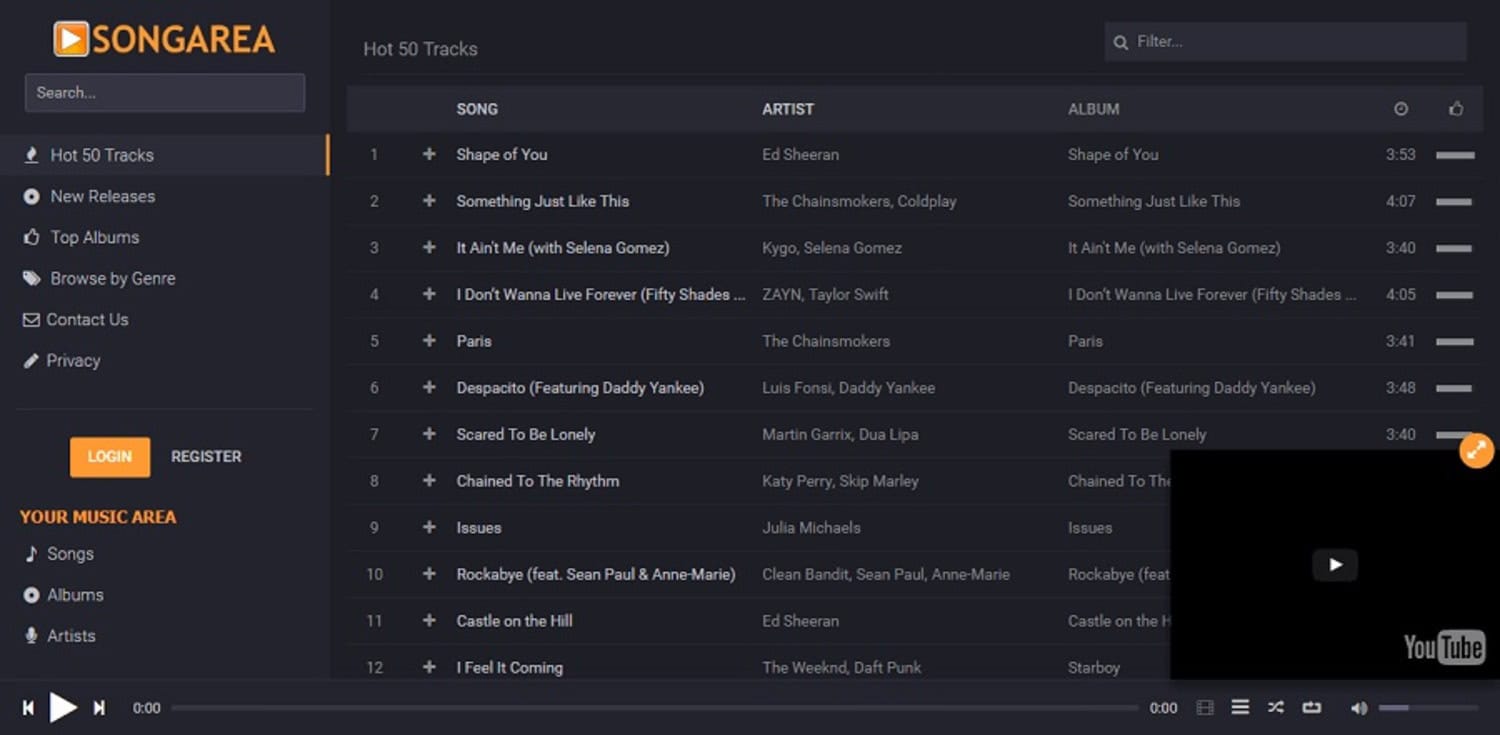 This app features many albums from which you can listen to songs. However, using the SongArea website on your Chromebook is not advisable.
Online Radio Options
There are also radio options in which you can choose to listen to music. Below are some suitable radio web platforms that you can consider.
iHeart radio
iHeart Radio is a popular web platform for listening to diverse Music. It offers a variety of content, including playlists, podcasts, live radio stations, and stations based around your favorite artists, and it is available on your Chromebook. However, your school can block it due to internet filtering policies.
TuneIn
TuneIn is a vast library of live radio stations, podcasts, etc., available on your Chromebook. It streams live news, sports, Music for every mood, audiobooks, podcasts and more.  However, your school’s network may block it due to filtering policies.
Using Web-Based Services
Using web-based services to listen to Music on your Chromebook is advised. Most of the website’s apps are unavailable in the app store, so you cannot access music apps. But you may access their websites and can use them fully.  You can also record your Music and save it in these files; make sure that the microphone on your school Chromebook is working. Most of the websites may be blocked by your school for their filtering policies.
Local Music files: Google Play Music or VLC Player
You can drag and drop files from their websites using Google Play Music or VLC player’s local music files. VLC player and Google Play Music are the most popular options for local music files. The websites need the full functionality of the desktop version, but they can assist you with your cause. However, many schools may block such websites.
Many music-making apps are also available for students interested in exploring music creation and production. Whether you’re into composing your beats, mixing tracks, or experimenting with different sounds, these apps offer a creative outlet for musical expression.
Now, let’s understand the restrictions of schools on music apps.
Understanding the School’s Restrictions on Music Apps
Chromebooks have a wide range of features and capabilities. Unfortunately, music streaming or playback is often restricted in school settings. This ensures students remain focused on their academic work and minimize distractions during class time. Chromebooks offer a streamlined experience focusing on learning. However, you should adhere to the guidelines provided by your school.
See Also: Top 5 Music Making Apps For The Musician Inside You | [2024]
How do you unblock popular music apps like Spotify?
These are some ways you can access the blocked apps in your school Chromebook. Let’s take a look at the different methods:-
Using a VPN to Access Blocked Apps
A VPN is a very effective way to unblock blocked websites on your school Chromebook. It works by establishing a secure connection with the internet through a server located in a different region.
- Open the settings menu.

- Navigate to the network section and select “Add section.”
- Click on “Add” next to OpenVPN/L2TP.
- Select “Connect” to establish a secure connection through a server in a different region.
Adjusting Proxy setting in Google Chrome
Proxies act as the intermediaries between your device and the blocked website. It is effective in bypassing the restriction. Use proxies with caution, as some of them may not be secure. Use only reputed ones.
- Go to settings.
- Navigate to the Network section.
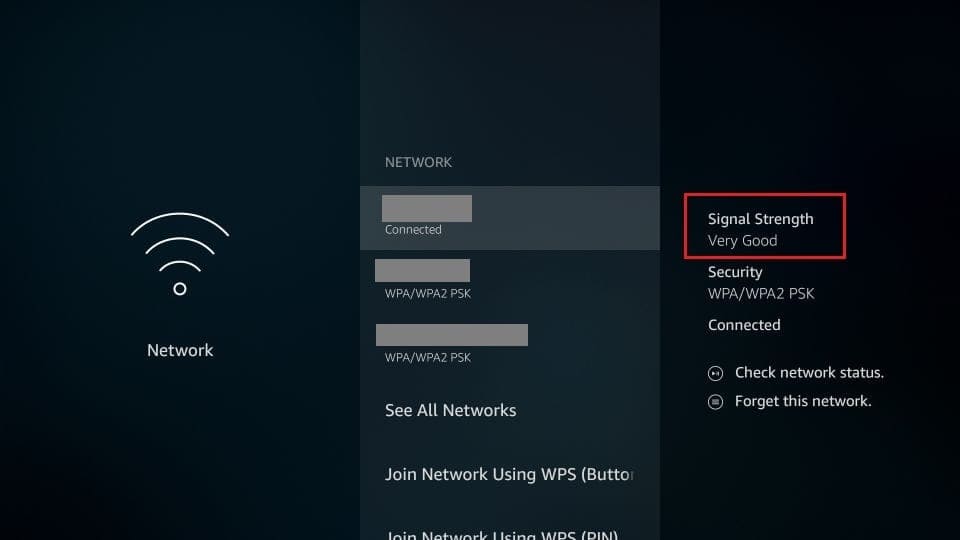
- Select “Proxy.”
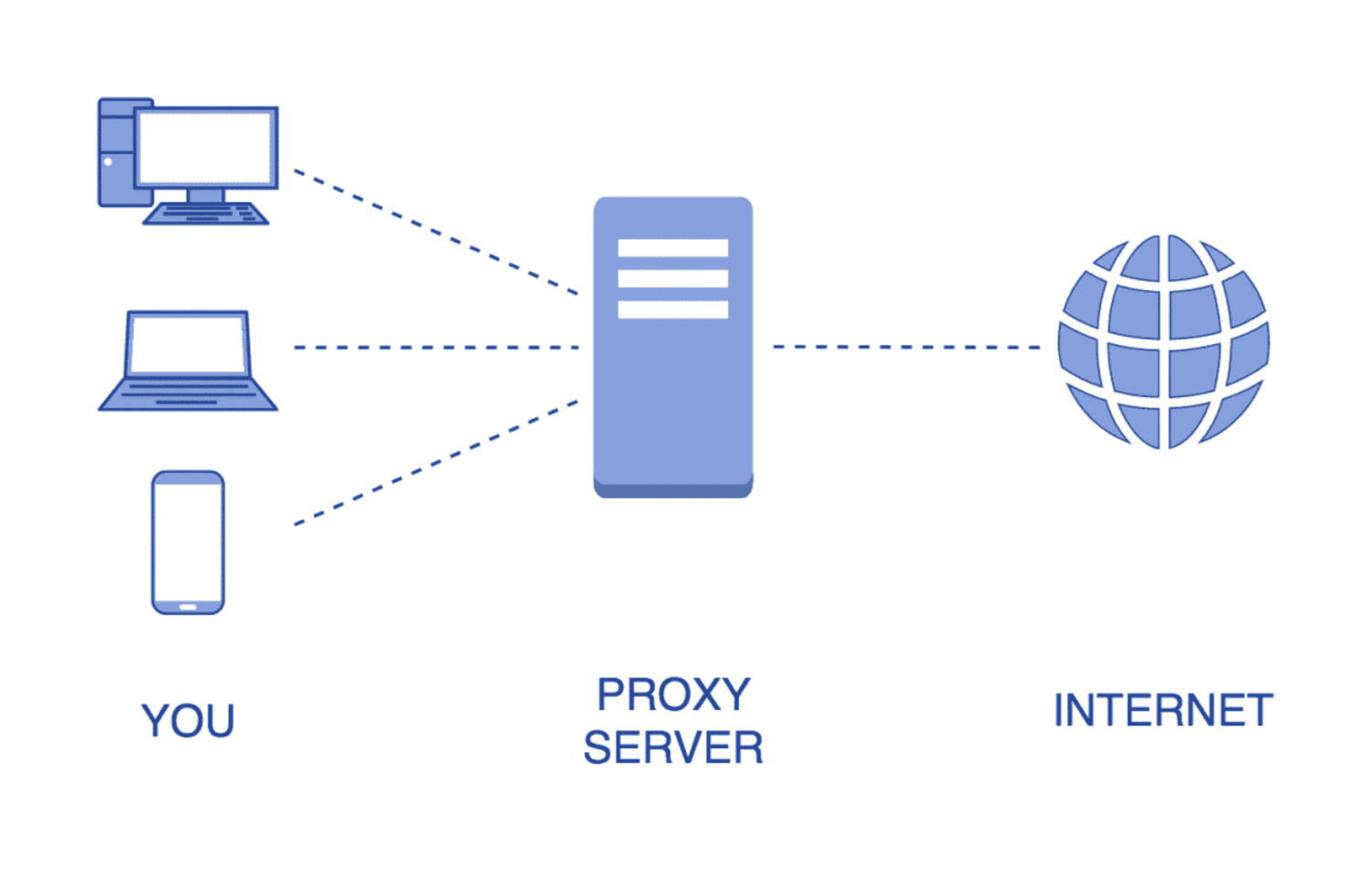
- Click on the Mode option.
- Choose “Manual” and input the proxy address.
Changing DNS Settings
By changing the DNS, you may access blocked websites when they are using a specific DNS.
- Access settings.
- Navigate to WiFi settings.
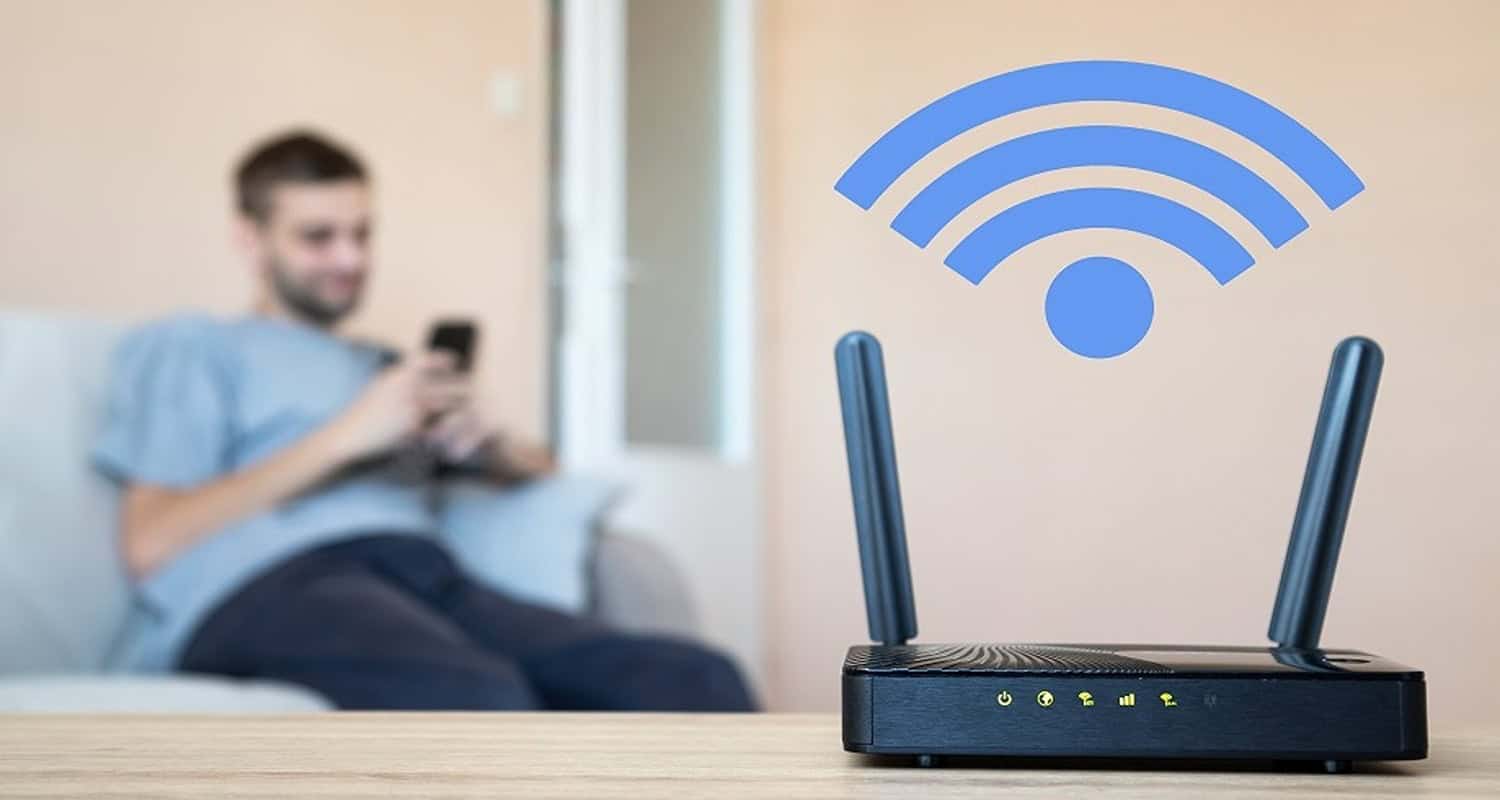
- Click on the WiFi network you’re connected to.
- Change the automated Name Server to the Custom Name Server.
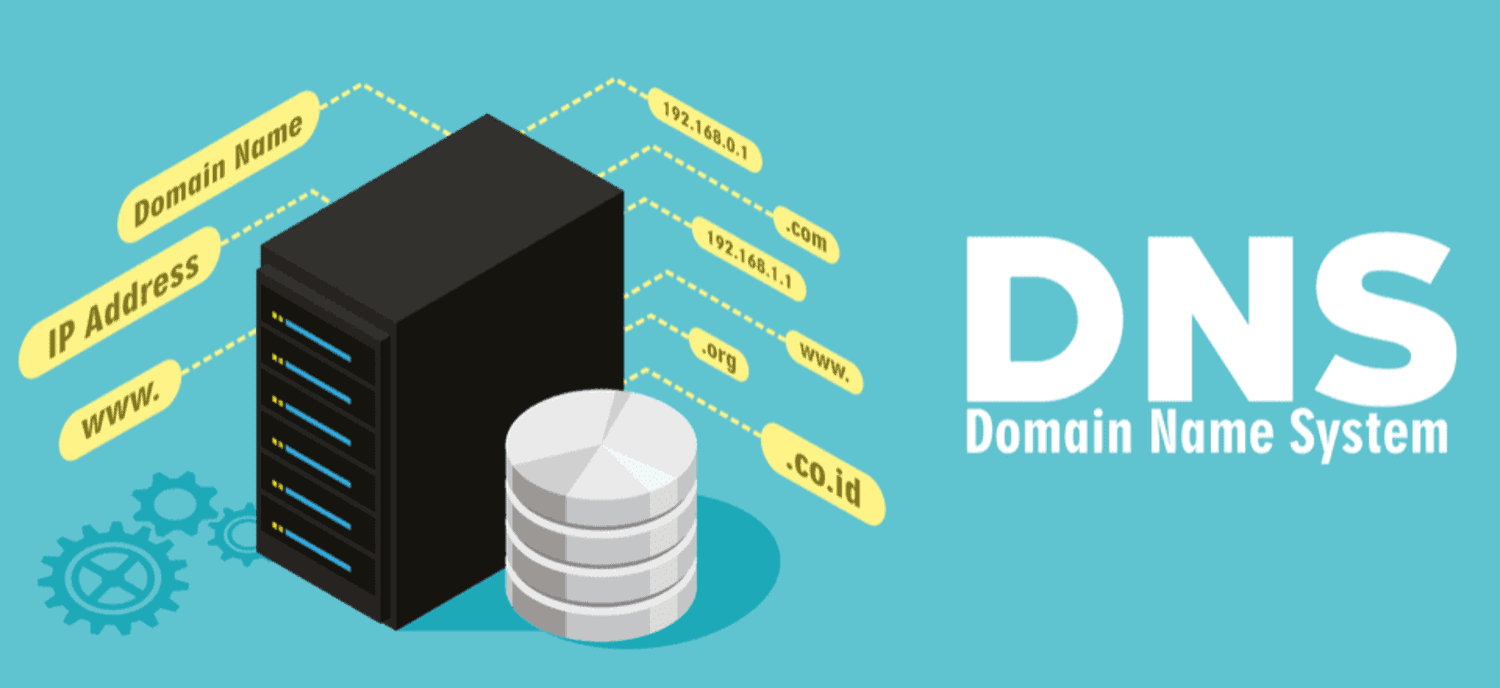
- Modify the DNS address.
Using Chrome Extensions
You can use Chrome extensions to access blocked websites on your school Chromebooks. Be cautious in choosing Chrome extensions that only use reputed extensions like AudioPocket, AdBlock for YouTube, etc.
- Open the Chrome web store.
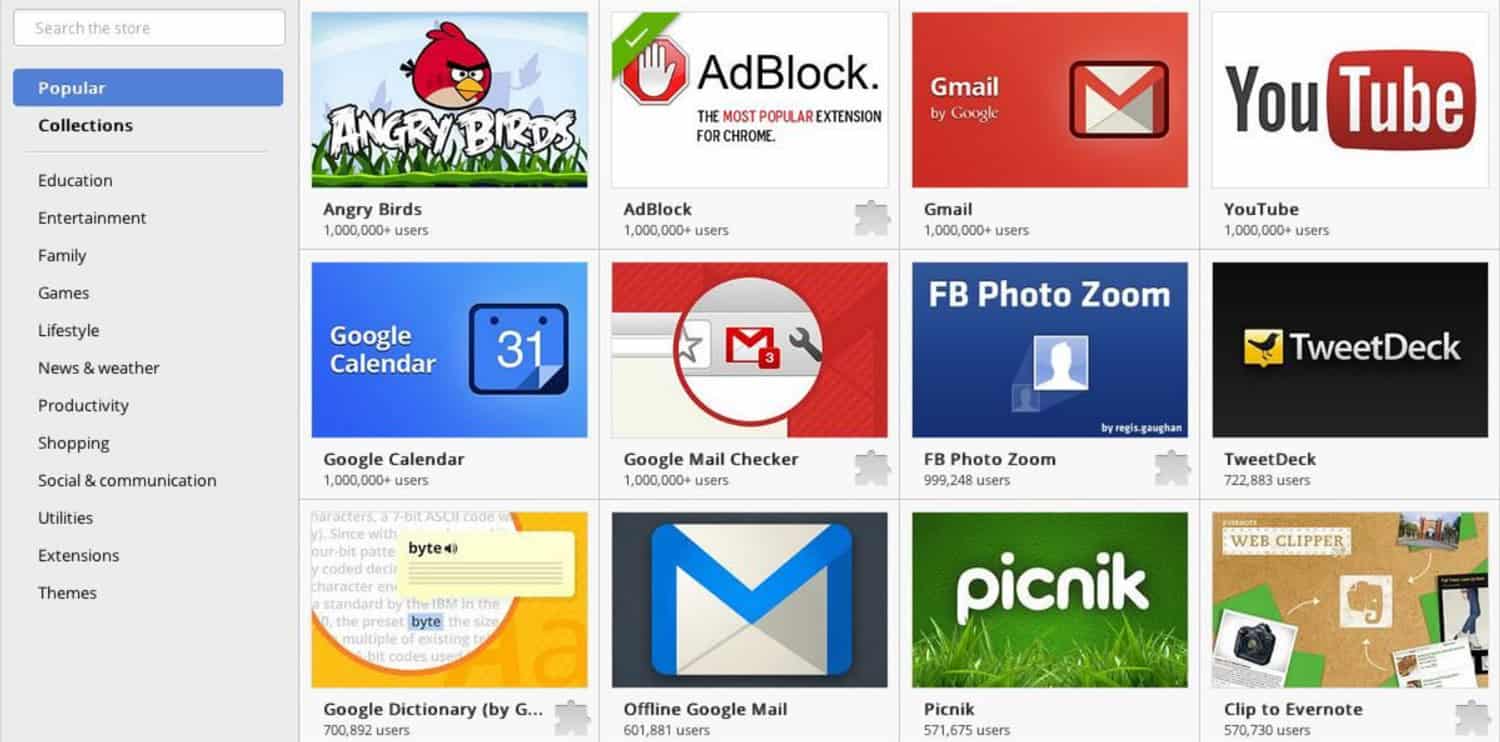
- Click on Extensions.
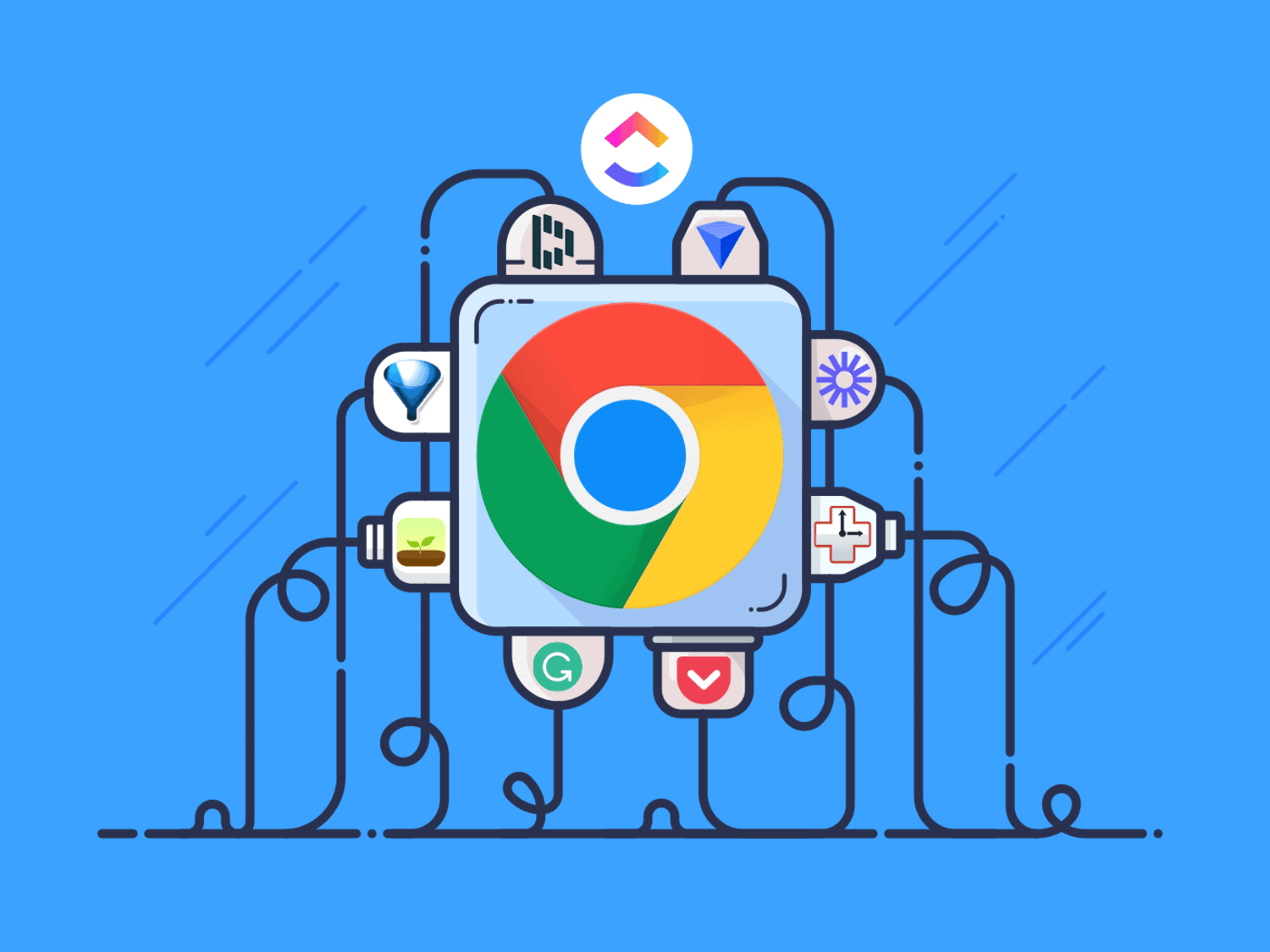
- Browse, select, and add the Chrome extension of your choice. Ensure to choose reputed extensions for security reasons.
FAQs
How do you bypass blocks on your school Chromebook?
To bypass blocks on your school Chromebook, you can use VPNs, change DNS settings, utilize Chrome extensions, or employ proxies.
How do I download Music from YouTube to my school Chromebook?
To download YouTube video audio to your Chromebook, follow these steps: 1. Download the YouTube app from the Google Play Store. 2. Locate the desired video within the app. 3. Click the download button below the video. 4. Once downloaded, the video and its audio will appear in your gallery, ready for playback.
What is the free music player for Chromebook?
VLC for chromeOS is free, ad-free, and easy to use. Everyone intends it as it's free with no in-app purchases.
How do I remove a school administrator from my Chromebook?
You can contact your school and ask permission from the administrator to permit you to remove blocks from the blocked websites.
Conclusion
You can use the methods mentioned above to bypass the blocked websites. However, you should adhere to your school’s rules and regulations. To ensure the safety of your Chromebook and avoid slowing it down, exercise caution when using VPNs, changing DNS, and selecting proxies; meanwhile, explore various methods to enhance its speed. Also, consider talking to your administrator to permit you to unblock specific websites and always prioritize integrity and respect for your educational environment. Furthermore, you can bypass the blocked websites and listen to your favorite Music.
See Also: 10 Easy Ways On How To Make Your Chromebook Faster

Meet Nick Pino, our Senior Editor of Home Entertainment at TechiePlus, covering TVs, headphones, speakers, video games, VR, and streaming devices.