

If you are looking for the best of the best email app for Chromebook, then your search ends here.
- Login to your Gmail Account.
- On the top left, click on Compose.
- Add recipients in the “To” field. For more recipients, you add them in the “Cc” and “Bcc” fields.
- Add relevant Subject.
- Write your message in the body part.
- Click Send once you are done.
After experimenting with different Chromebook email apps built, I listed the top 6 best email apps and eliminated the bad ones with issues. According to your test, you may choose which one of the best email clients for Chromebook suits you the best, and I recommend you try these out before reaching any decision.
See Also: Top 15 Writing Apps for Chromebook (Ranked by Usability)
Contents
Top 6 Email Client For Chromebook
Let’s look at the 6 best email clients for Chromebook
Outlook By Microsoft
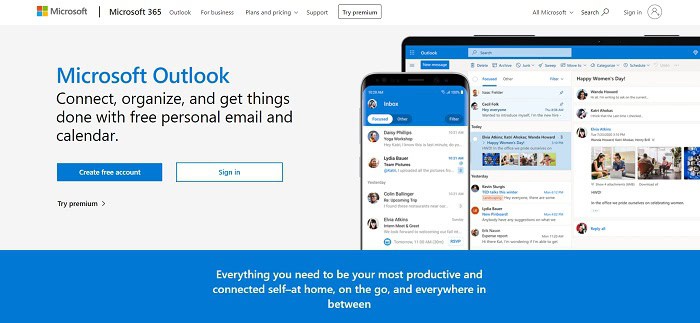
We are familiar with the name Microsoft, and if you ever touched a Windows PC, you probably came across Outlook. It has one of the best-looking inboxes and a clean and easy-to-understand layout. Compared to Gmail, its loading time is very fast. Fetching emails is not an issue here, and I never had any issues like composing, sending, or viewing any emails. Also, in Outlook, we can easily import and sync our contacts. The best feature of Outlook is that it can connect all your different email accounts into one central location. Apart from this, it also had complete integration with other 3rd party apps. To access Outlook, one must have a Microsoft account of Office 365 Suit. This is one of the best Chromebook email apps available in the store.
Visit: Outlook
Gmail By Google
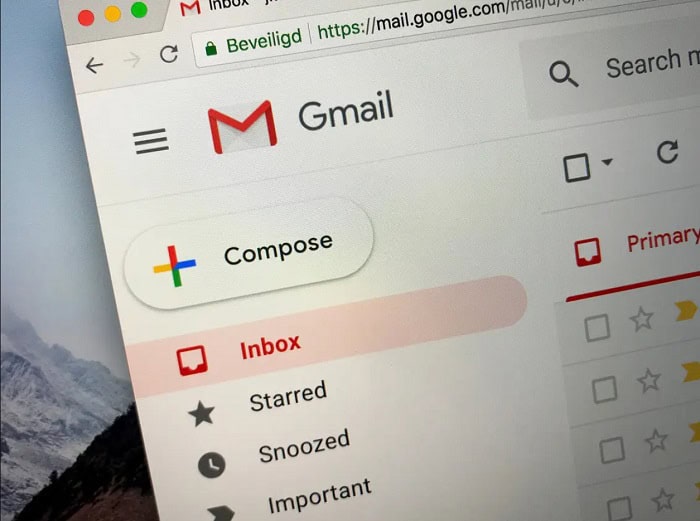
It’s been 15 years, and Gmail is still one of the best email clients for Chromebook for everyone. It is the most used platform to date. You can use tags for sorting messages, and it is also easy to use multiple accounts from one interface. Gmail also has a strong spam filter that protects you from fraud. Plus, Gmail has so many integrations like Google Docs, Sheets, Slides, Forms, and Calendar; all of these make Gmail an excellent choice above all other email clients. With every Gmail account, you get 15Gb Google Drive storage available for free and photo backup options using Google Photos. At Google, your data is safeguarded via various encryptions and stays protected. It has been one of the best email clients for Chromebook for the last 15 years.
Visit: Gmail
Thunderbird
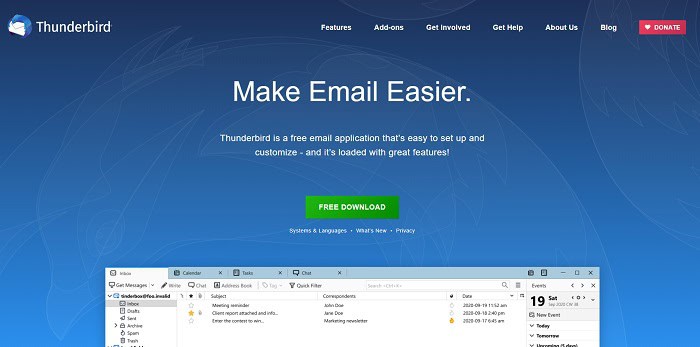
It is an open-source email client for Chromebook service mainly focused on privacy. A subsidiary of the Mozilla Foundation develops it. The main aim is to provide a secure and efficient email client service for personal use. As privacy is the primary concern here, it can detect phishing attempts and warns you whenever you are about to click on suspicious links, emails, etc. As it’s open-source, anyone can Customize the app according to their test. The only downside is that it lacks mobile apps support.
Visit: Thunderbird
Boomerang For Gmail
Next, we have for Marketing professionals, but it can also be used for personal casual work. In Boomerang, you can do things you never imagined possible with Gmail. Like, you can schedule your emails that are needed to be sent and sent later time or date.
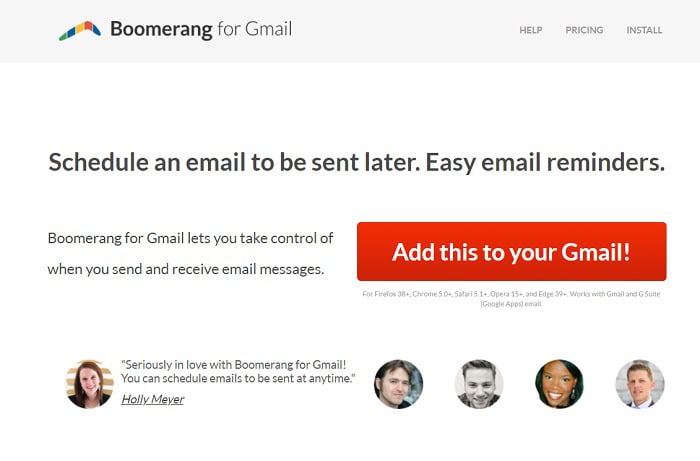
Compose your mail, schedule it, and Boomerang will send it to you automatically. Isn’t it great? Also, it is perfect for managing tons of emails and sorting and organizing them. Another excellent feature of this app is its AI robot that can guide you to write more compelling emails.
Visit: Boomerang
Spike
Spike can transform your email inbox into a feature-rich workspace. It looks less like an email client for Chromebook and more like a messaging app like WhatsApp. If that’s your test, then you will love it. So here, you can have a real-time chat experience with your email. Apart from this, Spike offers a Built-in Notes app which is great for small team projects. This is another one of the best email apps for Chromebook.
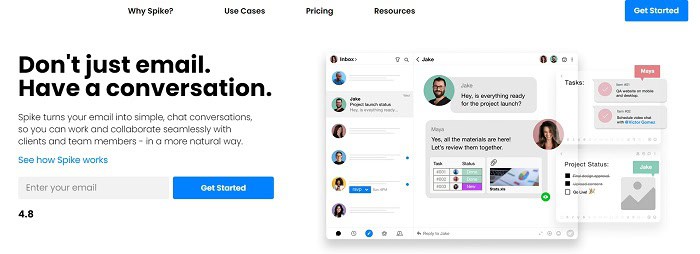
Visit: Spike
Front
Finally, it’s for the teams who need to collaborate on a larger scale, where high volumes of emails are involved; the Front is the best email client for them. It’s not for personal email or small-volume communication. For these, it’s overkill. However, if you have many emails you can handle, Front comes to rescue you. It is used to manage team inboxes; the best feature is its ability to show different teammates’ inboxes in a single window. You can jump to a team member’s inbox and respond to a message if it’s meant for you. Also, in Front, one can assign messages to other teammates, cutting the hassle of forwarding. Apart from all this, Front allows you to chat with team members within the app. This frees up space for chat apps, , making it beneficial not only for professionals but also offering some clever Chromebook hacks for students looking to streamline their email communication.
Scrivener is designed to meet the diverse needs of writers, offering comprehensive tools for organizing and managing various writing projects such as novels, research papers.
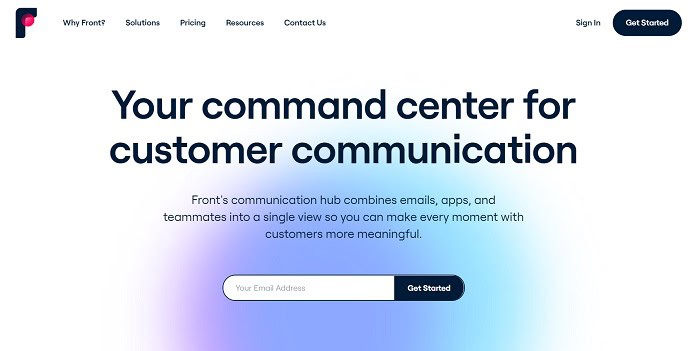
Visit: Front
See Also: How To Test Microphone On Chromebook? Easy Step-By-Step Guide
FAQs
Does Thunderbird run on Chromebook?
Open the terminal app on your Chromebook to install it. Select the 'penguin' button, then. After choosing 'penguin', you can run the apt install command. The 'thunderbird' package can be put up.
Why won't Chrome open Gmail?
Gmail may occasionally stop functioning due to extensions or add-ons you've placed on your browser or computer. Try momentarily disabling each of these add-ons and programs. Check Gmail once again to see if it fixes the issue.
Are there SD card readers on Chromebooks?
You can put a microSD card in your Chromebook. When you must transmit files, it is. An SD card slot is present in more recent models. Hence, there is no cause for losing your data.
Is Chromebook guest safe?
Thanks to this, they prevent not just from accessing your files and data but also from changing your settings. After using your Chromebook, a visitor's downloads, cookies, bookmarks, and browser history will be erased. You can exit Guest mode to log into your account once more.
See Also: How to Unblock Instagram on School Chromebook?

Sourabh Kulesh, Chief Sub Editor at Gadgets 360. and TechiePlus, writes technology news online with expertise on cybersecurity and consumer technology.